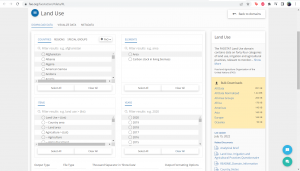
|Navigate to [https://korbel.du.edu/pardee xyz.com] additional text here to check alignment of image. be sure to fit image to the same size as text
|[[File:FAOSTAT Land Area Start Page.png|thumb|right|alt = xyz example caption]]
|-
|Step 2.)
|Select abc
|[[File:Test1.png|thumb|example caption]]
|-
|Step 3.)
|
|
|}
Step 1.) Navigate to [https://korbel.du.edu/pardee xyz.com] additional text here to check alignment of image. be sure to fit image to the same size as text
[[File:FAOSTAT Land Area Start Page.png|thumb|alt = xyz example caption|right|upright = 1.5]] Step 1.) Navigate to xyz.com and look for the data icon located in the dashboard}}
[[File:FAOSTAT Land Area Start Page.png|thumb|upright=0.35|right|alt = xyz|example caption|]]
Step 2.) Testing if the text will float next to the image. And if it does, how much text do we need?
Step 2.) Testing if the text will float next to the image. And if it does, how much text do we need?
Revision as of 08:26, 16 January 2023
right upright = 1.5 Step 1.) Navigate to xyz.com and look for the data icon located in the dashboard